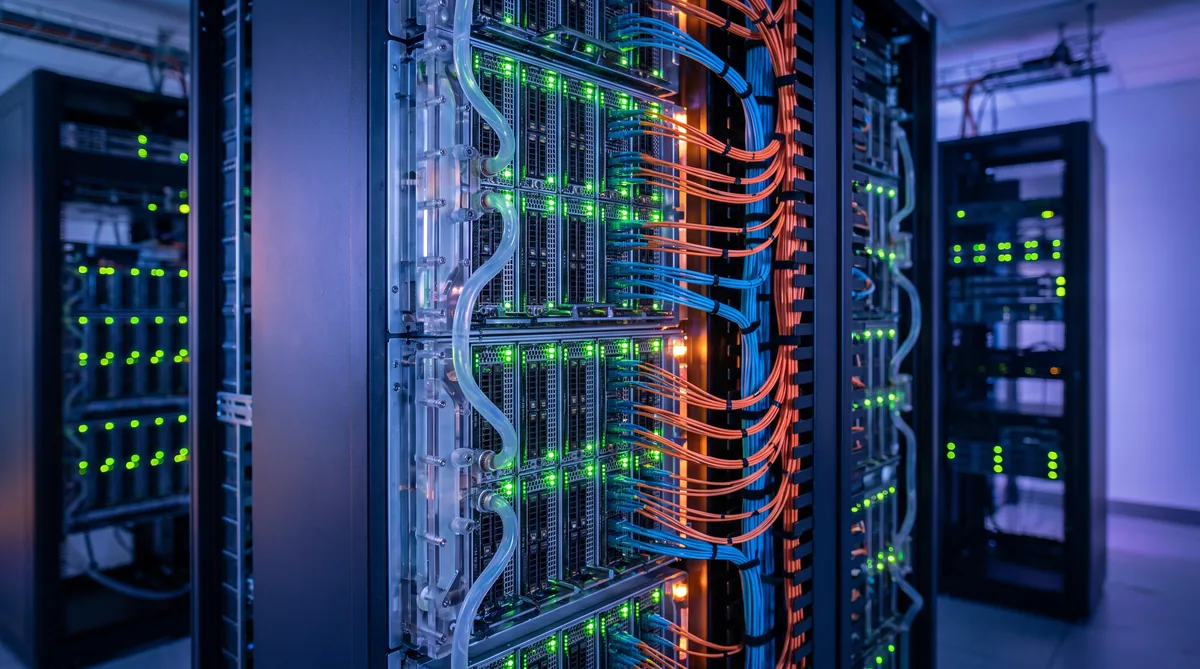
Hosting AI training infrastructure requires a fundamentally different approach from traditional IT deployments. Training large language models, computer vision systems, and scientific computing workloads demands sustained, high-throughput GPU compute over periods ranging from days to months. The infrastructure decisions made before the first training job launches — GPU selection, interconnect topology, power provisioning, cooling architecture, and storage design — determine whether a training cluster delivers efficient utilization or becomes an expensive, underperforming asset.
This guide covers the infrastructure requirements for hosting AI training workloads, from single-node fine-tuning setups to multi-rack distributed training clusters. Whether you are evaluating cloud versus colocation or planning a dedicated training facility, these are the engineering decisions that define performance and cost.
Understanding AI Training Workload Characteristics
What Makes Training Different from Inference
AI training and inference workloads have fundamentally different infrastructure profiles. Training is compute-bound and communication-intensive: every GPU in a cluster must exchange gradient data with every other GPU during each training step. A single slow link, an overloaded switch, or a thermal throttling event on one GPU can stall the entire cluster.
Key characteristics of training workloads that drive infrastructure decisions:
- Sustained full-load GPU utilization: Training jobs run GPUs at 90 to 100 percent utilization continuously for hours, days, or weeks. Unlike inference, there are no idle periods between requests. Power and cooling systems must handle sustained peak load, not average load.
- All-to-all communication patterns: Data-parallel training requires all-reduce operations where every GPU exchanges gradient tensors with every other GPU. Model-parallel training requires point-to-point transfers of activation tensors between pipeline stages. Both patterns demand low-latency, high-bandwidth interconnects.
- Checkpoint I/O bursts: Training jobs periodically save model state (checkpoints) to storage. A 70-billion-parameter model checkpoint is approximately 130 GB. Writing this to storage every 30 to 60 minutes requires sustained write throughput of several GB/s to avoid pausing training.
- Fault sensitivity: A hardware failure in any node can crash a multi-node training job, potentially losing hours of compute. The infrastructure must support rapid node replacement and job restart from the last checkpoint.
GPU Cluster Sizing and Hardware Selection
Choosing the Right GPU
GPU selection for AI training depends on model architecture, dataset size, and budget. The current generation of data-center-class training GPUs includes:
| GPU | Memory | FP16 TFLOPS | TDP (Watts) | Use Case |
|---|---|---|---|---|
| NVIDIA H100 SXM5 | 80 GB HBM3 | 989 | 700 | General-purpose LLM training |
| NVIDIA H200 SXM | 141 GB HBM3e | 989 | 700 | Memory-intensive models, large batch training |
| NVIDIA GB200 NVL72 | 192 GB HBM3e per GPU | 2,500+ | ~1,200 per Grace-Blackwell unit | Next-gen LLM training at scale |
| AMD MI300X | 192 GB HBM3 | 1,307 | 750 | Cost-effective training alternative |
For training runs requiring more than 80 GB of memory per GPU — typical for models above 30 billion parameters without aggressive model parallelism — the H200 with its 141 GB HBM3e eliminates the need for additional model partitioning, which reduces communication overhead and improves training efficiency.
Cluster Size Planning
Training cluster size depends on time-to-result targets. Doubling the number of GPUs roughly halves training time for data-parallel workloads, though communication overhead increases with scale. Practical scaling efficiency for well-optimized training jobs:
- 1 to 8 GPUs (single node): Near-linear scaling. NVLink handles all inter-GPU communication without network dependency.
- 8 to 64 GPUs (2 to 8 nodes): 85 to 95 percent scaling efficiency with InfiniBand NDR interconnect. Network topology becomes critical.
- 64 to 512 GPUs (8 to 64 nodes): 75 to 90 percent scaling efficiency. Requires fat-tree or Clos network topology with non-blocking switches. Gradient compression and overlapped communication techniques are essential.
- 512+ GPUs: Scaling efficiency varies widely based on workload, framework, and network design. Dedicated network engineering is required.
Network Infrastructure for Distributed Training
InfiniBand vs. Ethernet for Training Clusters
The interconnect between training nodes is the most critical infrastructure decision for multi-node clusters. InfiniBand and Ethernet serve different tradeoff points:
InfiniBand NDR (400 Gbps) is the standard for production training clusters. Native RDMA (Remote Direct Memory Access) enables GPU-to-GPU data transfer without CPU involvement, delivering sub-microsecond latency and near-line-rate throughput for collective operations. NVIDIA's NCCL library is optimized for InfiniBand, providing the highest performance for all-reduce and all-to-all patterns used in training.
Ethernet with RoCEv2 (400 GbE) is a lower-cost alternative that works well for clusters up to approximately 64 GPUs. RoCEv2 provides RDMA over Ethernet but requires lossless fabric configuration (PFC, ECN) and careful congestion management. Training throughput on RoCEv2 is typically 5 to 15 percent lower than equivalent InfiniBand deployments due to higher tail latency.
Rax Data & Energy provides InfiniBand-ready colocation with pre-provisioned 400G fabric and dedicated GPU hosting environments. Our facilities support rack-scale liquid cooling for the power densities that AI training clusters demand. Contact our team to discuss your training infrastructure requirements.
Network Topology for Training
The network topology determines the maximum bisection bandwidth available to training jobs. For distributed training, the key requirement is that any GPU can communicate with any other GPU at full bandwidth simultaneously:
- Fat-tree (Clos) topology: The standard for training clusters. Each leaf switch connects to every spine switch, providing full bisection bandwidth. A 2-tier fat-tree supports up to approximately 128 nodes; 3-tier fat-trees scale to thousands of nodes.
- Rail-optimized topology: Used by NVIDIA DGX SuperPOD designs. Each of the 8 GPUs in a node connects to a different leaf switch (8 rails), ensuring that intra-node NVLink traffic stays local while inter-node traffic distributes across all network rails. This topology maximizes all-reduce efficiency.
Power and Cooling for Training Clusters
Power Provisioning
AI training clusters consume sustained high power. Unlike general-purpose servers that fluctuate between 30 and 70 percent of nameplate power, GPU training nodes operate at 85 to 100 percent of rated power continuously. Power provisioning must be based on nameplate TDP, not average consumption:
| Configuration | IT Power per Rack | With PUE 1.3 | Annual Energy |
|---|---|---|---|
| 4x DGX H100 nodes | ~42 kW | ~55 kW | ~478 MWh |
| 8x DGX H100 nodes | ~84 kW | ~109 kW | ~955 MWh |
| 1x GB200 NVL72 rack | ~120 kW | ~156 kW | ~1,366 MWh |
The power redundancy configuration (N+1, 2N) also affects available capacity. A 2N configuration effectively halves the usable power per rack because each power path must independently support the full load. Most training facilities use N+1 redundancy to maximize rack density while maintaining fault tolerance.
Cooling Requirements
At rack densities above 30 kW, traditional air cooling becomes insufficient. Training clusters operating at 40 to 120+ kW per rack require liquid cooling:
- Direct-to-chip (DTC) liquid cooling: Cold plates on GPUs and CPUs connected to a Coolant Distribution Unit (CDU). Handles 70 to 80 percent of the heat load directly. Remaining heat from memory, VRMs, and networking is typically handled by supplemental air cooling or rear-door heat exchangers.
- Immersion cooling: Immersion systems submerge entire servers in dielectric fluid, capturing 100 percent of heat. Effective for extreme densities but requires specialized server form factors and maintenance procedures.
In hot-climate regions like the UAE, dry cooling and closed-loop systems are essential to eliminate water consumption while managing high ambient temperatures.
Storage Architecture for Training Data
Data Pipeline Storage
The storage system must feed training data to GPUs fast enough to prevent GPU idle time. Parallel file systems like Lustre and GPFS are designed for this workload pattern:
- Throughput requirement: Each GPU needs approximately 1 to 5 GB/s of sustained read throughput depending on the dataset format and preprocessing pipeline. A 64-GPU cluster may require 64 to 320 GB/s aggregate storage throughput.
- Capacity: Training datasets range from terabytes (text corpora) to petabytes (image and video datasets). Plan for 2 to 3x the raw dataset size to account for preprocessed formats, intermediate data, and multiple dataset versions.
- IOPS: Random read IOPS become important for datasets with many small files (image classification with millions of individual files). NVMe-based storage tiers address this bottleneck.
Checkpoint and Model Storage
Model checkpoints must be saved frequently enough to limit recomputation after failures but infrequently enough to avoid significant training pauses. For large models (70B+ parameters), each checkpoint is 130 to 260 GB. A 15-minute checkpoint interval on a 256-GPU cluster generates approximately 6 to 12 TB of checkpoint data per day.
Best practices for checkpoint storage include tiered approaches: fast NVMe for the most recent 2 to 3 checkpoints (for rapid restart), with older checkpoints migrated to high-capacity but slower storage (HDD or object storage) for archival.
Cloud vs. Colocation for AI Training
The build-versus-rent decision for AI training infrastructure depends primarily on utilization patterns and time horizon:
| Factor | Cloud | Colocation |
|---|---|---|
| Upfront cost | None (pay-as-you-go) | Hardware purchase + setup |
| Monthly cost at scale | Higher (3 to 5x colocation) | Lower (power + space + mgmt) |
| GPU availability | Subject to capacity constraints | Guaranteed once deployed |
| Customization | Limited to provider options | Full control over hardware stack |
| Scaling speed | Minutes (if capacity available) | Weeks (hardware procurement) |
| Data sovereignty | Provider-dependent | Full physical control |
For organizations running sustained training workloads — multiple training runs per week at 32+ GPUs — colocation with owned hardware typically breaks even against cloud pricing within 12 to 18 months, with ongoing cost advantages that compound over the hardware lifecycle.
Operational Considerations
Job Scheduling and Cluster Management
Slurm is the dominant job scheduler for GPU training clusters. It handles resource allocation, job queuing, multi-node job launching, and GPU affinity management. Kubernetes with GPU operators is an alternative for organizations already invested in containerized infrastructure, though Slurm remains more common for dedicated training clusters due to its native support for MPI and tight GPU scheduling.
Monitoring and Observability
Training cluster monitoring requires GPU-specific metrics beyond standard CPU and network monitoring:
- GPU utilization, memory utilization, and SM occupancy per GPU
- GPU temperature, power draw, and thermal throttling events
- NVLink and InfiniBand link utilization and error rates
- Training loss curves, learning rate schedules, and throughput (samples/second)
- Storage throughput and IOPS relative to training data pipeline demand
NVIDIA's DCGM (Data Center GPU Manager) provides the GPU-level telemetry layer. Integrating DCGM with Prometheus and Grafana creates a monitoring stack that correlates training job performance with infrastructure health.
Frequently Asked Questions
How much power does an AI training cluster need?
A single NVIDIA H100 SXM5 GPU draws approximately 700 watts at full load. An 8-GPU server (DGX H100) consumes roughly 10.2 kW including CPUs, memory, fans, and networking. A 64-GPU training cluster (8 nodes) requires approximately 80 to 100 kW of IT load plus cooling overhead, bringing the total facility power to 100 to 140 kW depending on PUE. Blackwell-generation GB200 NVL72 racks require approximately 120 kW per rack.
Is InfiniBand required for AI training?
InfiniBand is not strictly required, but it is strongly recommended for distributed training across more than two nodes. InfiniBand NDR delivers 400 Gbps per port with sub-microsecond latency and native RDMA support, which is critical for gradient synchronization in data-parallel and model-parallel training. Ethernet alternatives like RoCEv2 work but add latency and require additional congestion management configuration.
Should I use cloud or colocation for AI training?
Cloud is typically better for short-term, variable workloads where utilization is below 40 to 50 percent. Colocation becomes more cost-effective when GPU utilization consistently exceeds 50 percent, training runs span weeks or months, or you need guaranteed capacity without spot instance interruptions.
What storage is needed for AI training infrastructure?
AI training workloads require high-throughput parallel storage, typically NFS, Lustre, or GPFS, capable of feeding data to GPUs without creating bottlenecks. A 64-GPU cluster training on large datasets needs sustained storage throughput of 50 to 200 GB/s.
Host Your AI Training Infrastructure
Rax Data & Energy provides GPU-ready colocation with InfiniBand networking, liquid cooling, and the power density that AI training clusters demand — from single-rack deployments to multi-megawatt training facilities.
Contact Us AI Compute Solutions