What Is GPU Colocation?
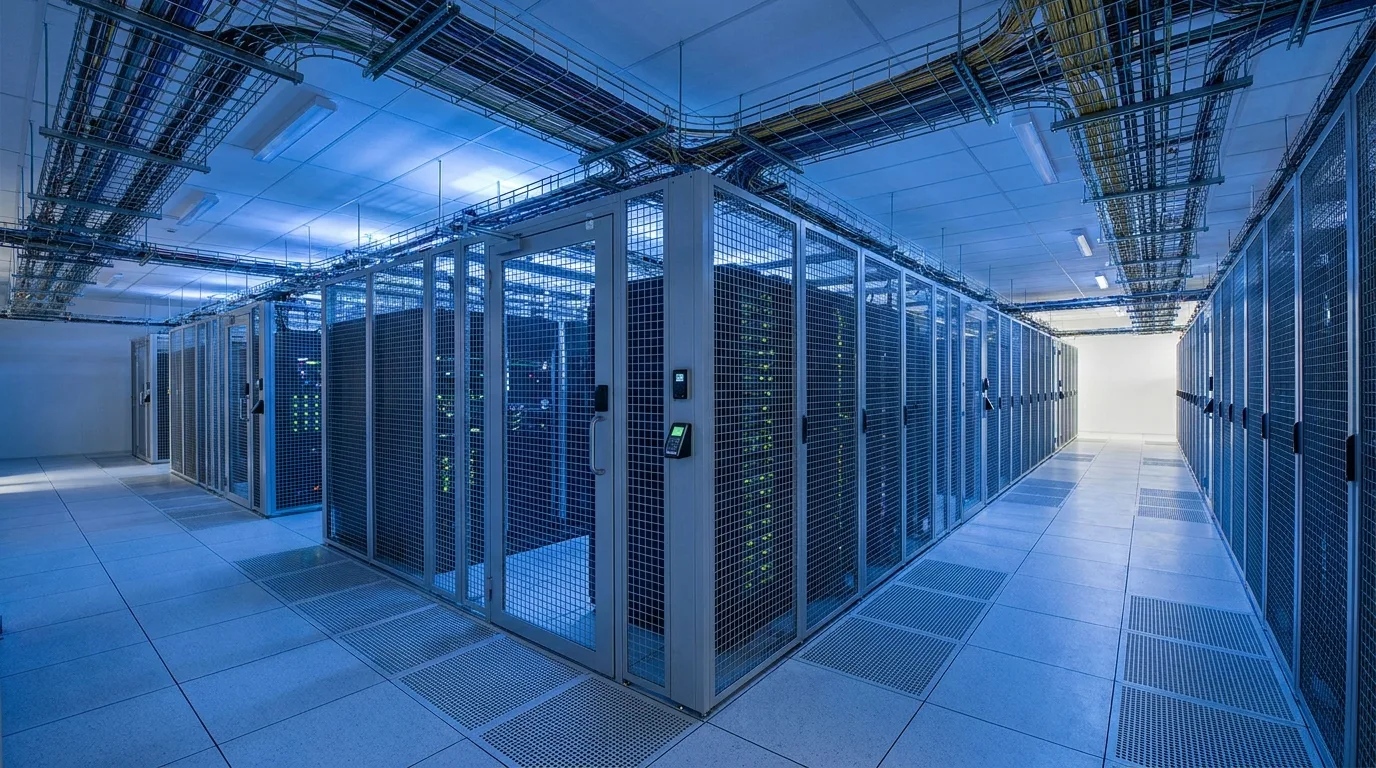
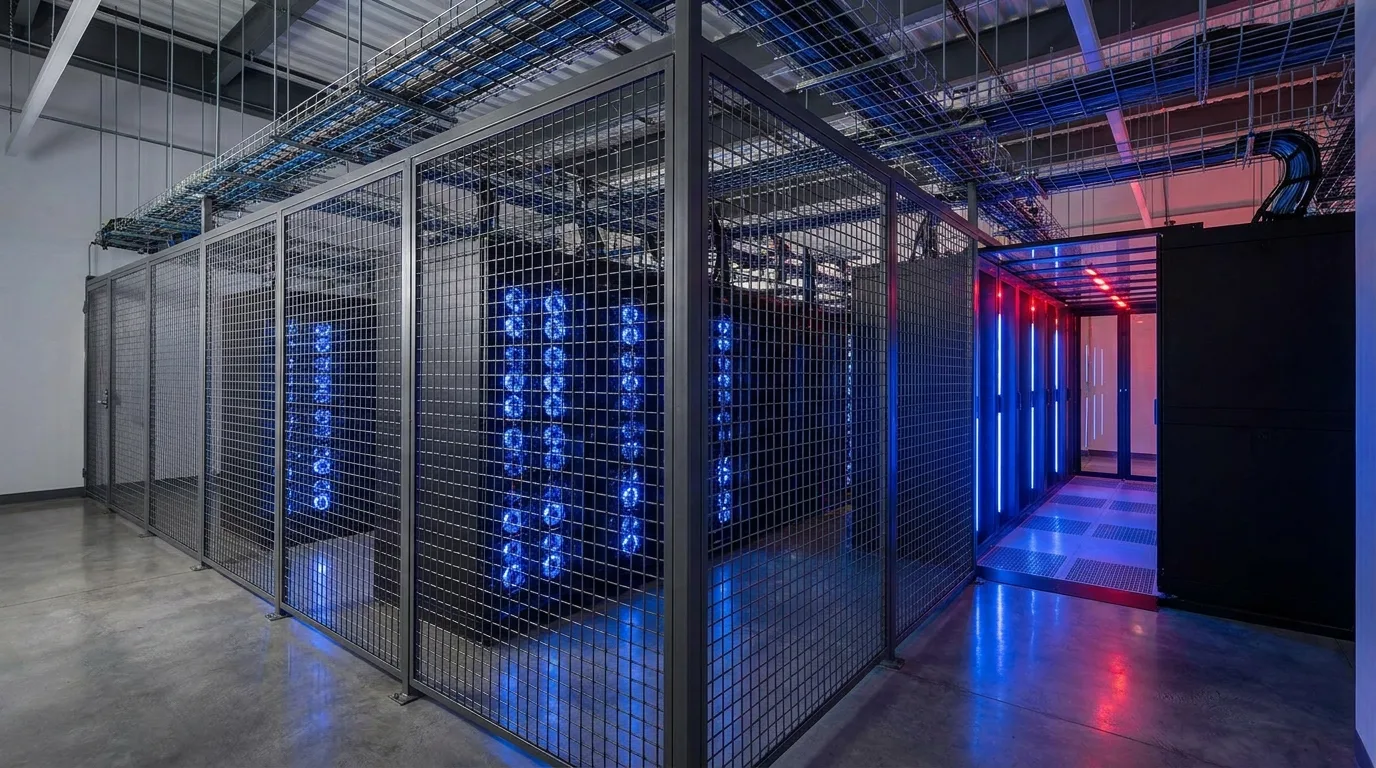
GPU colocation is a hosting service where you own and operate your GPU hardware within a third-party data center facility. The colocation provider supplies the physical space, electrical power delivery, cooling infrastructure, network connectivity, and physical security, while you retain full ownership and control over your hardware, software stack, and data.
For organizations running sustained AI and high-performance computing (HPC) workloads, GPU colocation offers a compelling middle ground between the high ongoing costs of cloud computing and the massive capital expenditure and operational complexity of building your own data center. You get the cost benefits of owning your hardware combined with the professional infrastructure management that purpose-built facilities provide.
Understanding What Is Colocation? Complete Guide to Data Center Colocation Services at a fundamental level helps frame GPU colocation as a specialized, high-density evolution of traditional colocation services, designed specifically for the extreme power and cooling demands of modern GPU hardware.
The GPU colocation market has grown rapidly alongside the AI boom. Organizations across industries, from healthcare and financial services to autonomous vehicles and content creation, are deploying GPU infrastructure for AI training and inference workloads that would be prohibitively expensive to run in the cloud long-term. The economics are straightforward: cloud GPU pricing often runs $2-4 per GPU-hour, while colocated hardware amortized over three years typically costs $0.50-1.00 per effective GPU-hour, delivering 60-75% savings for sustained workloads.
Why GPU Colocation Is Fundamentally Different
Standard colocation was designed for general-purpose servers that consume 500 watts to 1 kilowatt each and can be cooled with simple raised-floor air conditioning. GPU servers shatter every one of these assumptions. A single NVIDIA DGX H100 system consumes over 10 kW (see our MI300X vs H100 comparison for power and performance benchmarks). An 8-GPU server rack can demand 40-80 kW or more. The upcoming GB200 NVL72 rack system requires approximately 120 kW per rack. This means GPU colocation requires fundamentally different infrastructure than traditional colocation across every dimension.
Key Differences from Standard Colocation
| Aspect | Standard Colocation | GPU Colocation |
|---|---|---|
| Power per Rack | 5-15 kW | 40-120+ kW |
| Cooling Technology | Raised floor air / in-row cooling | Direct liquid cooling / rear-door heat exchangers / immersion |
| Network Requirements | 1-10 Gbps Ethernet | 100-400 Gbps InfiniBand or RoCE + standard Ethernet |
| Floor Loading | 150-250 lbs/sq ft | 300-500+ lbs/sq ft (GPU servers are heavy) |
| Pricing Model | Per rack unit or per rack | Per kW (power-centric, since power is the dominant cost) |
| Facility PUE Target | 1.3-1.6 | 1.05-1.2 (efficiency is critical at high density) |
Many traditional colocation providers have attempted to serve GPU customers by simply allocating more power to individual racks within their existing facilities. This approach frequently fails because the cooling infrastructure was not designed for the heat density, the power distribution was not engineered for the load concentration, and the floor structure may not support the weight. Purpose-built or purpose-retrofitted GPU colocation facilities are essential for reliable, efficient operation. Our comprehensive guide to AI hosting covers all hosting models, while our NVIDIA GPU guide for data center operators details the hardware landscape.
Power Considerations for GPU Colocation
Power is the dominant cost and design constraint in GPU colocation. Understanding Understanding Three-Phase Power for Mining and Data Centers principles applies equally to AI infrastructure, as both require high-density power delivery with minimal distribution losses.
Power Density Requirements by Hardware
- Single GPU Workstation (1 GPU): 500 W - 1.5 kW. Can fit in standard colocation.
- 4-GPU Inference Server: 2-4 kW. Manageable in most modern colocation facilities.
- 8-GPU Training Server (A100): 5-7 kW. Requires high-density colocation with adequate cooling.
- 8-GPU Training Server (H100 SXM): 8-10.2 kW. Requires purpose-built GPU colocation with liquid cooling support.
- NVIDIA DGX H100: 10.2 kW per system. The benchmark for GPU colocation facility readiness.
- Full Rack (4x DGX H100): 40-45 kW per rack. Requires direct liquid cooling.
- NVIDIA GB200 NVL72: ~120 kW per rack. Requires liquid cooling; air cooling is not an option.
When evaluating GPU colocation providers, the available power per rack is often the most critical specification. Ask not just what they claim to offer, but what they are currently delivering to existing customers and what cooling technology supports that power level. Many facilities advertise high power per rack but cannot actually cool it effectively.
Power Redundancy Levels
- N (No Redundancy): Single power path. Lowest cost, acceptable for non-critical workloads, batch processing, or when the application has hardware-level redundancy and can tolerate brief interruptions.
- N+1: One additional power component beyond what is needed. Standard for most GPU colocation. Allows maintenance on power equipment without exposing the load to single-point-of-failure risk. See our data center power redundancy guide for a deeper dive into N+1 vs 2N architectures.
- 2N: Fully independent, redundant power paths from utility to rack. Each path can support the full load independently. Required for mission-critical inference serving where downtime has direct business impact.
- 2N+1: Maximum redundancy with dual paths each having additional backup. Rarely needed for GPU workloads but available for the most demanding SLA requirements.
Cooling Solutions for High-Density GPU Deployments
At 40-120+ kW per rack, air cooling alone is physically insufficient to remove heat fast enough. GPU colocation facilities must employ advanced cooling technologies to manage the extreme thermal loads generated by modern AI accelerators. For a comprehensive comparison, see our Data Center Cooling Technologies Compared: Air, Liquid, and Immersion article.
Direct Liquid Cooling (DLC)
Direct liquid cooling circulates coolant through cold plates mounted directly on GPU chips, CPUs, and other heat-generating components, removing heat at the source where thermal density is highest. This method removes heat 1,000-3,000x more efficiently than air cooling per unit of contact area and is rapidly becoming the standard for high-density GPU deployments.
- Capacity: Can handle 100+ kW per rack with proper design
- Benefits: Lower facility PUE (1.05-1.1), quieter operation, enables higher GPU clock speeds due to lower temperatures, reduces ambient heat in the data hall
- Considerations: Requires DLC-compatible server hardware (most new GPU servers support it), facility must have liquid cooling distribution infrastructure (CDUs, piping, external heat rejection)
Rear-Door Heat Exchangers (RDHX)
Rear-door heat exchangers attach to the back of server racks and use chilled water circulating through a radiator to cool the exhaust air before it enters the data hall. They are a good retrofit solution because they work with standard air-cooled servers without hardware modification.
- Capacity: 30-50 kW per rack, suitable for A100-class deployments
- Benefits: Works with existing air-cooled servers, relatively easy to deploy
- Limitations: Insufficient for the highest-density GPU racks (H100 SXM and beyond)
Immersion Cooling
Full immersion cooling submerges servers in dielectric fluid. While most common in Immersion Cooling vs Air Cooling: Complete ROI Analysis for Mining and AI for cryptocurrency mining, some GPU colocation providers offer immersion cooling for AI workloads, particularly for edge deployments, extreme density requirements, or environments where noise is a concern.
Networking for GPU Colocation
AI workloads, especially distributed training across multiple GPU nodes, require networking capabilities that go far beyond what traditional colocation provides. The networking infrastructure can make or break the performance of a GPU cluster.
Network Tiers for AI Workloads
- Tier 1 - Standard Ethernet: 10-100 Gbps Ethernet connectivity. Sufficient for single-server inference workloads, small-scale fine-tuning, and general data transfer. Most colocation providers can support this.
- Tier 2 - High-Speed Ethernet with RDMA: 100-400 Gbps RoCE v2 (RDMA over Converged Ethernet). Suitable for medium-scale distributed training and high-throughput inference serving. Requires RDMA-capable switches and NICs.
- Tier 3 - InfiniBand: 200-400 Gbps InfiniBand HDR/NDR with native RDMA support. Required for large-scale distributed training with maximum GPU utilization. Delivers the lowest latency and highest bandwidth for GPU-to-GPU communication.
Network Topology Considerations
For multi-node training clusters, the network topology (how switches and GPU nodes are connected) significantly impacts training throughput. Fat-tree topologies with non-blocking switches are the gold standard for training clusters, ensuring that any GPU can communicate with any other GPU at full bandwidth without contention. When evaluating a colocation provider, ask specific questions about their intra-cluster network topology, oversubscription ratios at each switching layer, and whether they can support the specific networking requirements of your AI framework.
Cost Structure and Pricing
GPU colocation pricing is typically structured around power consumption, measured in kilowatts (kW), rather than rack space, which is the traditional colocation pricing unit. This makes sense because power and its associated cooling are the dominant costs in a high-density GPU facility.
Typical Cost Components
| Component | Typical Range | Notes |
|---|---|---|
| Power (per kW/month) | $100-250 | Includes cooling overhead (reflected in PUE). Lower end for wholesale, higher for retail. |
| Cross Connect | $200-500/month | Per physical interconnection to networks or other tenants |
| Bandwidth | $0.50-5/Mbps | Varies by commitment level and provider. Bulk bandwidth is much cheaper. |
| Remote Hands | $75-150/hour | For physical hardware tasks like racking servers, swapping drives, power cycling |
| Setup/Installation | $500-5,000 | One-time charge, varies by deployment complexity |
Cost Comparison Insight: For sustained GPU workloads running 24/7, colocation typically costs 30-60% less than equivalent cloud GPU instances over a 12-month period. The savings increase with scale and contract duration, making colocation particularly attractive for organizations with predictable, long-term GPU needs. For example, a single DGX H100 running in cloud might cost $30,000-50,000 per month, while the same system in colocation costs approximately $10,000-15,000 per month all-in (including power, cooling, and space), excluding the hardware capital cost which is amortized over 3-5 years.
Evaluating GPU Colocation Providers
Essential Questions to Ask
- Power Capacity: What is the maximum kW available per rack? Is it currently being delivered to existing customers? Can it scale as your needs grow?
- Cooling Capability: What cooling technologies are available (air, RDHX, direct liquid, immersion)? What rack densities can they actually support, not just claim to support?
- Network Options: Do they support InfiniBand? What Ethernet speeds are available? What is the network topology for multi-rack deployments?
- Redundancy Level: What is the power redundancy (N, N+1, 2N)? What about cooling and network redundancy?
- SLA: What uptime SLA is guaranteed? What are the financial penalties for downtime? How is uptime measured and reported?
- Remote Access: What IPMI/BMC and KVM-over-IP options are available for remote server management?
- Expansion Path: Can you add more racks and power as your needs grow? What is the lead time for expansion?
- Compliance: What certifications does the facility hold (SOC 2, ISO 27001, HIPAA)? Are they willing to undergo customer audits?
- References: Can they provide references from existing GPU colocation customers with similar deployments?
Deployment Best Practices
- Pre-stage Hardware: Configure, burn-in test, and fully validate all hardware before shipping to the colocation facility. On-site troubleshooting at remote hands rates is expensive and slow. Ship hardware ready to rack and power on.
- Document Everything: Provide detailed rack diagrams, cabling plans, power requirements, and network configurations to the facility team well before installation day. The more detail you provide, the smoother the deployment.
- Remote Management: Ensure every server has functioning IPMI/BMC with out-of-band management access configured and tested before shipment. You should be able to fully manage any server remotely without physical access.
- Monitoring First: Deploy comprehensive monitoring (GPU temperature, utilization, memory errors, power consumption, network throughput, storage health) before putting workloads into production. You cannot optimize what you cannot measure.
- Spare Parts: Keep critical spare parts (power supplies, fans, network cables, hard drives) on-site in a clearly labeled kit for rapid replacement by remote hands staff.
- Labeling: Label every cable, every server, every port. Clear physical labeling prevents mistakes during maintenance and troubleshooting.
Total Cost of Ownership: GPU Colocation vs Cloud
The economic argument for GPU colocation becomes compelling once workloads reach sustained utilization. Cloud GPU pricing typically ranges from $2.00 to $4.00 per H100 GPU-hour. Owning and colocating the same hardware amortized over 3 years, including hardware purchase, colocation fees, power, and maintenance, often works out to $0.50 to $1.00 per effective GPU-hour, representing a 60-75% cost reduction. The breakeven point typically arrives within 4-8 months of sustained 24/7 operation, after which every additional month generates pure savings compared to cloud pricing. Understanding your electricity cost optimization strategy is key to maximizing these savings, since power is the largest ongoing expense in GPU colocation. For organizations running inference workloads continuously or training models repeatedly, the cumulative savings over a 3-year hardware lifecycle can easily exceed the original hardware purchase price.
GPU Colocation at RAX Data & Energy
RAX Data & Energy provides GPU colocation services designed specifically for the demands of modern AI infrastructure. Our facilities offer high-density power delivery up to 100+ kW per rack, advanced cooling solutions including direct liquid cooling, high-speed networking options for both training and inference workloads, and the operational expertise to support mission-critical GPU deployments.
Whether you are colocating a single rack of GPU servers for inference serving or deploying a multi-rack AI training cluster with InfiniBand networking, our infrastructure is built to handle the power, cooling, and networking requirements of current and next-generation AI accelerators. Contact our team to discuss your GPU colocation requirements and receive a customized proposal based on your specific hardware, workload, and timeline. See our transparent pricing page and hosting cost breakdown for current rates, or browse Texas and other regional hosting options.