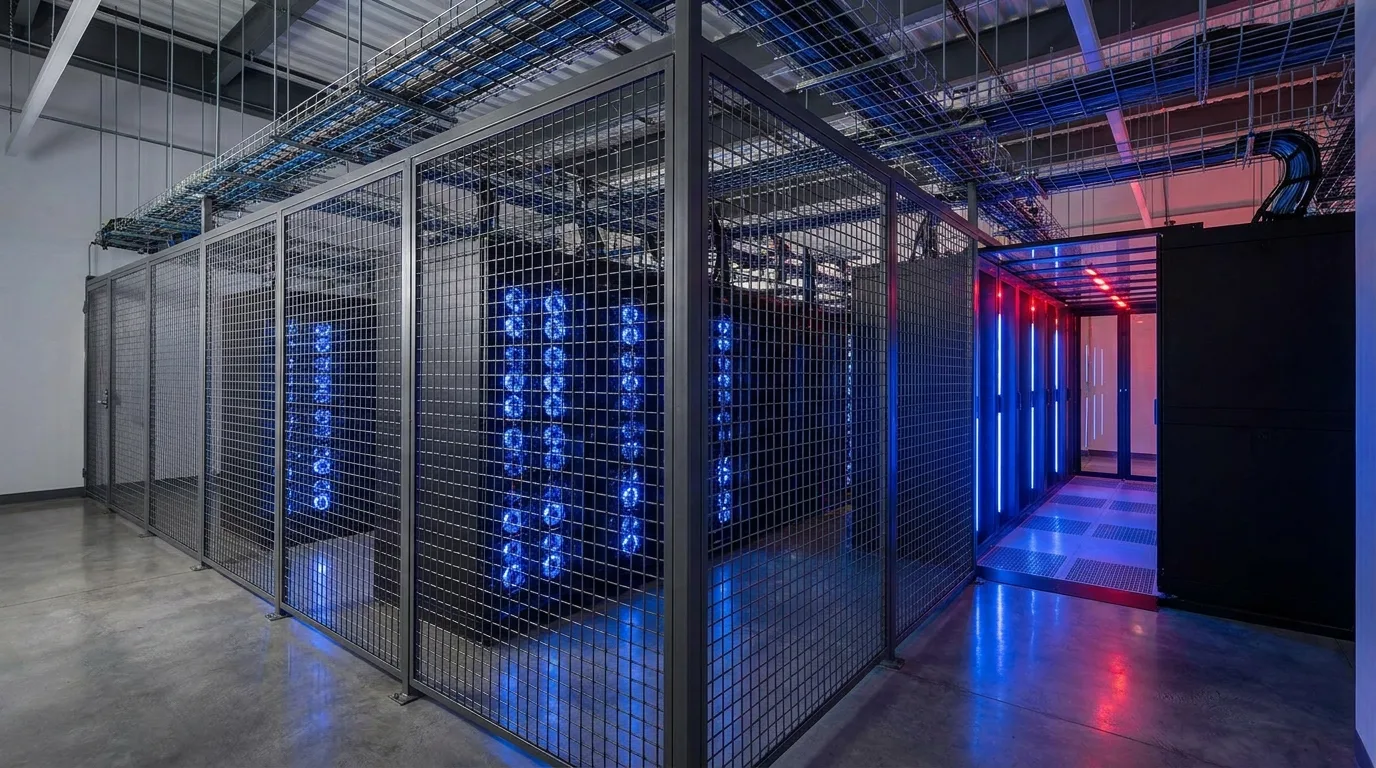
What Is Managed AI Hosting?
Managed AI hosting is a service model where a provider delivers ready-to-use GPU compute infrastructure without requiring customers to manage physical hardware. Unlike traditional colocation where you ship your own servers, managed hosting means the provider owns, deploys, maintains, and monitors the GPU cluster on your behalf.
The service bridges the gap between expensive public cloud GPU instances and the operational complexity of running your own colocation deployment. Organizations get dedicated physical GPUs with the operational simplicity of cloud, at a fraction of the cost for sustained workloads.
This model has gained significant traction since 2024 as enterprises discovered that AI infrastructure management requires specialized expertise in high-density cooling, GPU networking (NVLink, InfiniBand), driver management, and workload scheduling that most IT teams lack.
Managed Hosting vs GPU Colocation: Key Differences
If you are weighing full ownership against hosted infrastructure, our colocation vs build-your-own data center comparison covers the cost, timeline, and risk trade-offs in detail.
| Factor | Managed AI Hosting | GPU Colocation | Public Cloud |
|---|---|---|---|
| Hardware ownership | Provider owns | You own | Provider owns |
| Setup time | Days to weeks | Weeks to months | Minutes |
| Capital expenditure | None (OpEx only) | High ($200K-$2M+) | None |
| Monthly cost (8x H100) | $64,000-$120,000 | $15,000-$30,000* | $150,000-$250,000 |
| Infrastructure management | Provider handles | You handle | Provider handles |
| GPU availability guarantee | Contracted SLA | Your inventory | Best effort |
| Scaling flexibility | Moderate (contract terms) | Limited (hardware lead times) | High (instant) |
| Minimum commitment | 3-12 months typical | 12-36 months | None (on-demand) |
*Colocation monthly cost excludes hardware amortization. Including hardware: $45,000-$65,000/month for 8x H100 over 3-year life.
The cost advantage of managed hosting over public cloud becomes clear at scale. Organizations running AI workloads continuously for 6+ months typically save 30-50% compared to on-demand cloud pricing, while avoiding the $1.5M+ capital outlay required for building a colocation deployment.
What a Managed AI Hosting Service Includes
Hardware Layer
- GPU servers: Latest-generation NVIDIA hardware (H100, H200, B200) deployed and configured
- High-speed networking: InfiniBand or RoCE interconnects for multi-node training
- Storage: NVMe flash arrays with parallel filesystem (GPFS, Lustre, or WekaFS)
- Cooling: Liquid or immersion cooling optimized for GPU thermal loads
Operations Layer
- 24/7 monitoring: GPU health, temperature, memory errors, power draw
- Driver and firmware management: CUDA, cuDNN, NCCL updates tested and deployed
- Hardware replacement: Failed GPUs swapped within SLA (typically 4-24 hours)
- Security: Physical access controls, network segmentation, encryption at rest
Platform Layer (varies by provider)
- Orchestration: Kubernetes with GPU operator, Slurm, or custom scheduler
- ML frameworks: Pre-configured PyTorch, TensorFlow, JAX environments
- Observability: GPU utilization dashboards, training job metrics, cost tracking
- Data pipeline support: Object storage, data loading optimization, caching layers
Pricing Models and Cost Analysis
Common Pricing Structures
| Model | Cost Range (per H100/month) | Commitment | Best For |
|---|---|---|---|
| On-demand | $4,500-$8,000 | None (hourly billing) | Experimentation, burst capacity |
| Reserved (6-month) | $10,000-$14,000 | 6 months | Project-based AI development |
| Reserved (12-month) | $8,000-$11,000 | 12 months | Production inference, ongoing training |
| Reserved (36-month) | $6,000-$9,000 | 36 months | Large-scale sustained workloads |
Total Cost of Ownership: 3-Year Comparison (64 GPU Cluster)
| Cost Component | Managed Hosting | Colocation (Own HW) | Public Cloud |
|---|---|---|---|
| Hardware (amortized) | Included | $9.6M | Included |
| Monthly service/hosting | $576K/mo | $85K/mo | $1.2M/mo |
| Staff (2 FTE) | $0 | $500K/yr | $0 |
| Networking/storage add-ons | $50K/mo | $30K/mo | $200K/mo |
| 3-Year Total | $22.5M | $15.9M | $50.4M |
| Per-GPU-hour | $3.25 | $2.30 | $7.30 |
Managed hosting sits in the middle: 55% cheaper than cloud, 42% more expensive than colocation. The premium over colocation buys zero operational burden, faster deployment, and hardware refresh flexibility without disposal concerns.
When to Choose Managed AI Hosting
Ideal Scenarios
- No GPU operations team: Your ML engineers should train models, not manage BIOS updates and cooling systems
- 6-24 month projects: Long enough for cloud to be expensive, short enough that hardware purchase doesn't make sense
- Uncertain scale requirements: Need to scale from 8 to 64 GPUs without 6-month hardware lead times
- Compliance-sensitive workloads: Need dedicated hardware (not shared tenancy) with SOC 2 / ISO 27001 compliance
- Geographic requirements: Need compute in specific regions (e.g., UAE for data residency) where cloud options are limited
When Colocation Makes More Sense
- Sustained workloads exceeding 3 years with predictable capacity
- You have an experienced GPU operations team already
- Custom hardware configurations (mixed GPU generations, specialized networking)
- Very large scale (256+ GPUs) where managed premiums compound significantly
For organizations evaluating both options, our AI hosting provider evaluation checklist provides a structured comparison framework.
How to Evaluate Managed AI Hosting Providers
Critical Technical Questions
- GPU interconnect topology: How are GPUs connected? NVLink within nodes is standard, but inter-node fabric matters for distributed training. Ask for bisection bandwidth specifications.
- Storage architecture: What's the data loading throughput to GPU memory? Training performance is often bottlenecked by storage, not compute. Target 10+ GB/s per node.
- Network isolation: Is your training traffic isolated from other tenants? Shared fabrics introduce jitter that impacts distributed training convergence.
- GPU utilization commitment: What happens during maintenance? Top providers maintain spare capacity to ensure your contracted GPUs remain available during hardware failures.
- Cooling headroom: Can the facility sustain full GPU thermal load indefinitely? Some providers throttle during peak summer. Ask for thermal runway specifications.
Business and Operational Questions
- SLA structure: What's the uptime guarantee and financial remedy for breaches? 99.9% is table stakes; look for 99.95%+ for production inference.
- Scaling timeline: How quickly can you add GPU nodes? Best-in-class: 48-72 hours for pre-provisioned inventory. Worst case: 8-12 weeks for hardware procurement.
- Exit terms: What happens when the contract ends? Ensure you can migrate data without surprise egress charges.
- Power redundancy level: N+1 minimum for production workloads; 2N for mission-critical inference.
- Sustainability reporting: Does the facility provide carbon offset certificates or run on renewable energy sources?
Infrastructure Requirements for AI Workloads
Training Workloads
- GPU memory: 80GB+ per GPU (H100 SXM or H200 required for large models)
- Interconnect: 400 Gbps+ InfiniBand per node for models exceeding single-node capacity
- Storage IOPS: 1M+ IOPS for data-parallel training with large datasets
- Power density: 40-70 kW per rack for 8-GPU nodes with networking equipment
- Cooling: Liquid cooling mandatory for H100/B200 at density
Inference Workloads
- GPU memory: Depends on model size; 24GB (L40S) sufficient for many production models
- Networking: 100 Gbps Ethernet sufficient for most inference
- Latency: Network proximity to end users matters; consider multi-region deployment
- Redundancy: N+1 GPU redundancy for high-availability inference endpoints
- Auto-scaling: Ability to add inference replicas based on request queue depth
Fine-Tuning and RAG Workloads
- GPU requirements: Moderate (1-8 GPUs per job, shorter duration)
- Storage emphasis: Fast vector database access, embedding storage, document retrieval
- Flexibility: On-demand or short-term reserved to match project timelines
What Makes AI Managed Hosting Different
AI managed hosting goes beyond traditional managed server hosting by handling the unique operational challenges of GPU infrastructure. Where a standard managed hosting provider monitors server uptime and applies OS patches, an AI managed hosting provider must also manage GPU driver versions and CUDA toolkit compatibility, monitor GPU utilization and thermal throttling across hundreds of accelerators, maintain high-speed InfiniBand or RoCE fabric health, coordinate firmware updates across tightly coupled cluster nodes, and provide expertise in distributed training frameworks like DeepSpeed, Megatron-LM, and PyTorch FSDP.
The operational complexity of AI infrastructure is an order of magnitude higher than traditional server management. A single GPU driver mismatch across nodes in a training cluster can silently degrade performance by 30-50% without causing obvious errors, making specialized monitoring and expertise essential. This is why AI managed hosting commands a premium over standard managed services: the provider's expertise directly translates to higher GPU utilization and faster time to results.
For organizations evaluating whether managed hosting is the right model, consider your team's GPU infrastructure expertise. If your engineers spend more time debugging NCCL errors than training models, AI infrastructure hosting in a managed model lets them refocus on AI development while the provider handles the infrastructure layer. For teams with deep infrastructure expertise, GPU server colocation may deliver better economics.
Frequently Asked Questions
What is managed AI hosting?
Managed AI hosting is a service model where a provider handles all GPU infrastructure including hardware procurement, rack deployment, cooling, networking, OS/driver management, monitoring, and maintenance. Customers access ready-to-use GPU compute without managing physical infrastructure, paying monthly per-GPU or per-node fees.
How much does managed AI hosting cost per GPU?
Managed AI hosting typically costs $2-$4 per GPU-hour for NVIDIA H100s on-demand, or $8,000-$15,000 per GPU per month on reserved contracts. Pricing varies by commitment length, cluster size, and included services. Reserved 12-month contracts offer 40-60% savings over on-demand rates.
Is managed AI hosting better than cloud GPU instances?
Managed AI hosting offers dedicated physical GPUs (no noisy neighbors), lower latency, and 30-50% cost savings over public cloud for sustained workloads exceeding 6 months. Cloud GPU instances are better for experimentation, burst workloads, and teams needing instant global availability without contracts.