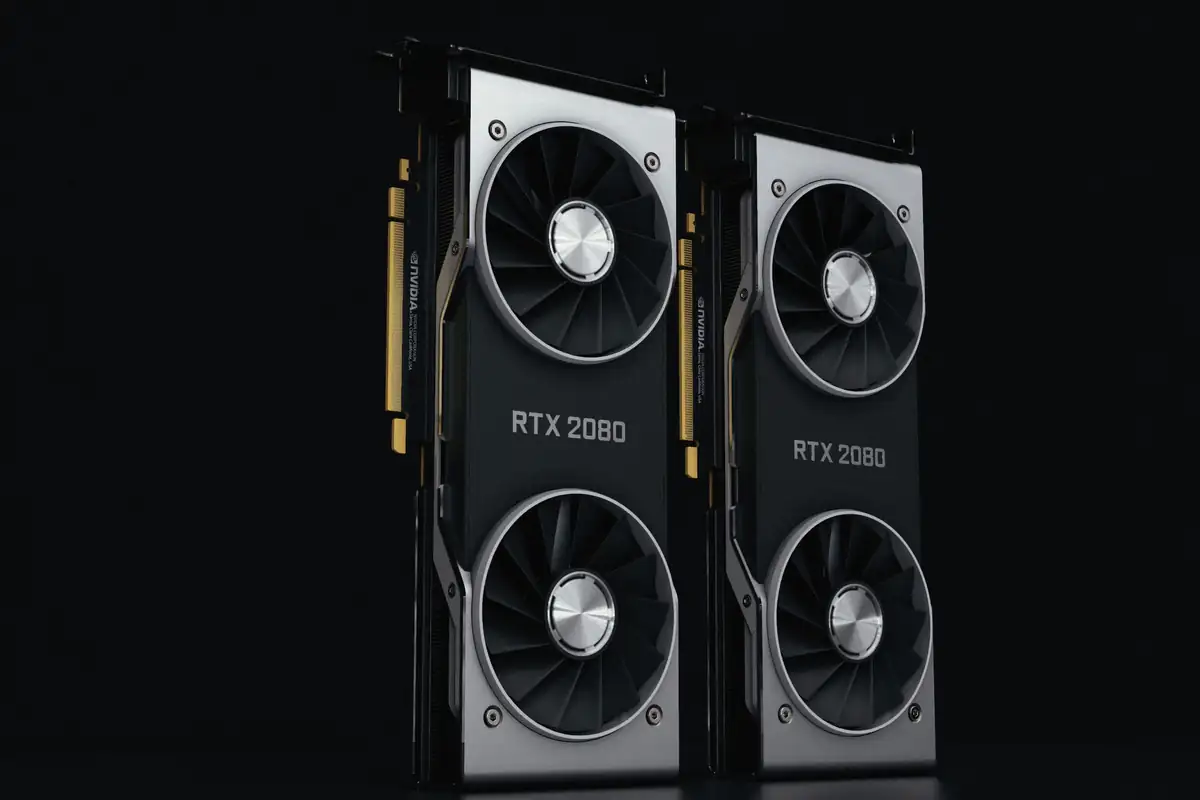
A single NVIDIA H100 GPU delivers 3,958 TFLOPS of FP8 compute — more raw performance than most organizations need for any individual inference workload. Running one small model on an entire H100 wastes the majority of that capacity. NVIDIA Multi-Instance GPU (MIG) solves this by partitioning a single physical GPU into up to seven hardware-isolated instances, each functioning as an independent GPU with dedicated compute, memory, and cache.
For GPU colocation providers and multi-tenant data centers, MIG is a transformative capability. It enables operators to serve multiple customers from a single physical GPU without the performance unpredictability of software-based sharing, turning expensive accelerators into flexible, divisible infrastructure.
How MIG Works: Hardware-Level GPU Partitioning
Unlike software virtualization approaches that share GPU resources through time-slicing, MIG partitions the GPU's physical resources at the hardware level. Each MIG instance receives:
- Dedicated streaming multiprocessors (SMs) — the compute engines that execute CUDA kernels, allocated exclusively to each instance
- Isolated memory bandwidth — each instance connects to its own set of memory controllers and HBM memory slices
- Separate L2 cache — no cache contention between instances, providing predictable memory access latency
- Independent error isolation — an ECC memory error or GPU fault in one instance does not affect others
This hardware isolation means a noisy neighbor — a workload that hammers memory bandwidth or saturates compute — cannot degrade the performance of other MIG instances on the same physical GPU. Each instance behaves exactly like a smaller, dedicated GPU.
Supported GPUs and Instance Configurations
MIG is available on NVIDIA's data center GPUs starting with the Ampere architecture. Each GPU model supports different maximum partition counts and instance profiles.
NVIDIA A100 MIG Profiles
| Profile | GPU Memory | SMs | Memory Bandwidth | Max Instances per GPU |
|---|---|---|---|---|
| 1g.5gb | 5 GB HBM2e | 14 | ~290 GB/s | 7 |
| 1g.10gb | 10 GB | 14 | ~290 GB/s | 4 (80GB model) |
| 2g.10gb | 10 GB | 28 | ~580 GB/s | 3 |
| 3g.20gb | 20 GB | 42 | ~870 GB/s | 2 |
| 4g.20gb | 20 GB | 56 | ~1.16 TB/s | 1 (+ 1x 3g.20gb) |
| 7g.40gb / 7g.80gb | 40/80 GB | 98 | ~2.0 TB/s | 1 (full GPU) |
NVIDIA H100 MIG Profiles
The H100 extends MIG with improved flexibility. Key differences from A100:
- Up to 7 instances (same as A100, but with more compute per instance due to Hopper architecture)
- Confidential Computing support per MIG instance — critical for regulated industries
- Higher memory bandwidth per instance (HBM3 vs HBM2e)
- MIG instances can be combined with H100's Transformer Engine for accelerated attention operations
MIG vs. Time-Slicing vs. vGPU: Choosing the Right Sharing Strategy
Data center operators have three main options for sharing GPU resources across multiple workloads. Each trades off isolation, flexibility, and overhead differently.
| Feature | MIG | CUDA MPS / Time-Slicing | NVIDIA vGPU |
|---|---|---|---|
| Isolation level | Hardware (dedicated SMs, memory, cache) | None (shared compute, shared memory) | Software (hypervisor-enforced) |
| Performance predictability | Deterministic | Variable (noisy neighbor) | Near-deterministic (small overhead) |
| Overhead | Zero (hardware partitioning) | Minimal (context switch latency) | 5-10% (hypervisor layer) |
| Max partitions per GPU | 7 (A100/H100) | Unlimited (but performance degrades) | Up to 32 (smallest vGPU profile) |
| Supported GPUs | A100, A30, H100, H200 | All CUDA GPUs | Professional + data center GPUs |
| Reconfiguration | Requires GPU reset (seconds) | Dynamic (no reset needed) | VM lifecycle dependent |
| Best for | Multi-tenant inference, guaranteed SLAs | Development, batch processing | VDI, legacy apps, broad GPU support |
Key insight: MIG and time-slicing are not mutually exclusive. You can enable MIG to create hardware-isolated instances, then use CUDA MPS within a single MIG instance to further share that slice across lightweight processes. This layered approach maximizes utilization for inference serving workloads.
Use Cases: Where MIG Delivers the Most Value
1. Multi-Tenant GPU Hosting
Colocation and managed hosting providers use MIG to offer GPU fractions to customers who need inference capacity but not an entire GPU. A single A100-80GB can serve seven independent customers with 1g.10gb instances, each receiving guaranteed compute and memory bandwidth with hardware-level security isolation. This transforms GPU hosting economics — instead of selling whole GPUs at $2-3/hour, operators can offer instances at $0.30-0.50/hour while maintaining healthy margins.
2. Multi-Model Inference Serving
Organizations running multiple AI models — a language model, an image classifier, a recommendation engine — can deploy each on a separate MIG instance of a single GPU. Each model gets predictable latency without interference, and the total hardware footprint shrinks dramatically compared to dedicating one GPU per model.
3. Development and Production Isolation
Reserve a 3g.20gb MIG instance for production inference with strict latency SLAs while allocating smaller 1g.5gb instances for development and testing on the same physical GPU. Developers get real GPU hardware for testing without risking production workload performance — the hardware isolation guarantee makes this safe.
4. Kubernetes GPU Sharing
MIG integrates with Kubernetes through NVIDIA's device plugin, exposing each MIG instance as a schedulable resource. Pods request specific MIG profiles (e.g., nvidia.com/mig-1g.10gb: 1), and Kubernetes schedules them with the same isolation guarantees as bare-metal MIG. This is how large-scale AI platforms combine bare-metal GPU performance with container orchestration flexibility.
Configuration and Deployment Guide
Step 1: Enable MIG Mode
MIG must be enabled on each GPU, which requires a brief GPU reset. All running workloads on the GPU must be stopped first. For clusters managed by Slurm, drain the node before reconfiguration.
Step 2: Create GPU Instances (GI)
GPU Instances define the hardware partitioning — how many SMs, memory controllers, and HBM slices each partition receives. The profile must match one of the supported configurations for your GPU model.
Step 3: Create Compute Instances (CI)
Within each GPU Instance, one or more Compute Instances define the actual execution environments. In most cases, each GI gets one CI that uses all its allocated SMs. However, a large GI can be further subdivided into multiple CIs for finer-grained sharing.
Step 4: Verify and Monitor
Use nvidia-smi mig -lgi and nvidia-smi mig -lci to list active instances. Monitor per-instance utilization with nvidia-smi or integrate with your DCIM platform for fleet-wide MIG visibility. Each instance reports independent utilization, temperature, and power draw.
Performance Considerations and Trade-Offs
What MIG Handles Well
- Inference workloads — most inference tasks use a fraction of a GPU's capacity, making MIG ideal for consolidation
- Small-to-medium model training — models that fit within a single MIG instance's memory train at full speed proportional to allocated compute
- Batch processing — data preprocessing, feature extraction, and ETL pipelines benefit from dedicated GPU slices without interference
Where MIG Has Limitations
- Large model training — models requiring full GPU memory or multi-GPU parallelism cannot use MIG (disable MIG for these workloads)
- NVLink communication — MIG instances on the same GPU cannot communicate via NVLink; they are fully isolated
- Reconfiguration downtime — changing MIG profiles requires a GPU reset (typically 2-5 seconds), which interrupts all instances on that GPU
- Fixed profiles — partition sizes are predefined; you cannot create arbitrary memory/compute splits
MIG in the UAE Data Center Market
For data center operators in the UAE, MIG addresses a critical market challenge: GPU hardware is expensive and lead times for new H100/H200 GPUs can exceed 12 months. MIG lets operators serve more customers from existing hardware, improving revenue per GPU while maintaining the SLA guarantees that enterprise customers require under TDRA compliance frameworks.
The hardware-level isolation also satisfies data sovereignty requirements — each MIG instance has separate memory spaces, meaning customer data cannot leak between instances even through cache side-channel attacks. This is increasingly important as UAE's regulatory environment matures around AI data handling.
Whether you are building a multi-tenant GPU cloud, optimizing inference density, or providing managed AI hosting, MIG is the foundational technology for maximizing GPU utilization without sacrificing isolation. Rax Data deploys MIG-capable GPU infrastructure across our UAE facilities, enabling customers to right-size their GPU allocations from day one.
Right-Size Your GPU Infrastructure
Rax Data offers MIG-enabled GPU hosting on NVIDIA A100 and H100 hardware. Pay only for the compute you need with hardware-level isolation guarantees.
Explore GPU Hosting Options