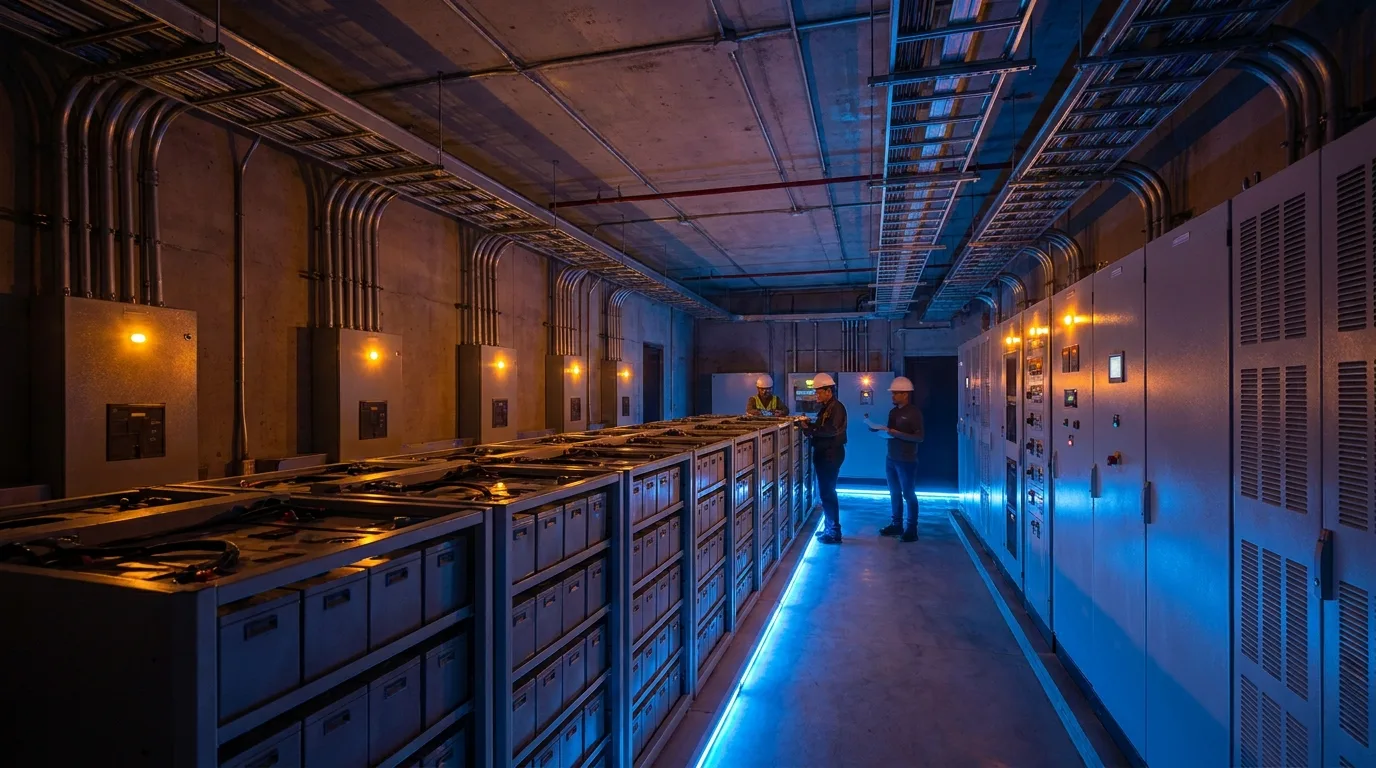
What Is a UPS and Why Does It Matter?
An Uninterruptible Power Supply (UPS) is a critical power protection device that provides emergency electrical power when the primary utility source fails or experiences disturbances. In a data center, the UPS serves as the bridge between utility power loss and backup generator startup, ensuring that IT equipment never experiences an unplanned power interruption that could crash servers, corrupt data, or damage hardware.
The importance of UPS systems cannot be overstated. Even a brief power disruption measured in milliseconds can crash running processes, corrupt databases, interrupt active network connections, and cause cascading failures across interdependent systems. The Uptime Institute estimates that the average cost of a data center outage exceeds $9,000 per minute, and a major unplanned outage can cost millions of dollars in direct damages, lost revenue, and reputational harm.
Beyond protection against complete power failures, UPS systems also condition incoming power by filtering out voltage sags, surges, harmonics, and frequency variations that can degrade equipment performance and shorten component lifespan over time. This power conditioning function operates continuously, protecting equipment from the thousands of minor power quality events that occur on typical utility power feeds each year. For a broader perspective on how UPS fits into the complete electrical infrastructure, see our guide to Data Center Power Redundancy: N+1 and 2N Architectures.
Types of UPS Systems
Online Double-Conversion UPS
The online double-conversion UPS is the gold standard for data center applications. It continuously converts incoming AC power to DC (rectifier stage), uses the DC to charge batteries and power the inverter, and then converts back to AC (inverter stage) to power the connected load. The critical distinction is that the load always runs from the inverter output, never directly from utility power, providing complete electrical isolation from any utility power anomalies.
- How It Works: AC input goes through the rectifier to produce DC, which simultaneously charges the battery bank and feeds the inverter. The inverter continuously produces clean, regulated AC output regardless of what is happening on the utility input. When utility power fails, the batteries seamlessly take over feeding the inverter with no interruption to the output.
- Transfer Time: Zero (0 ms) because the load is always running from the inverter. There is no transfer event to occur.
- Power Quality: Excellent voltage regulation (typically plus or minus 1%), precise frequency regulation, harmonic filtering, and complete isolation from utility disturbances.
- Efficiency: 94-97% in normal double-conversion mode. Some modern units achieve 96-97% through advanced semiconductor technology and transformer-free designs.
- Best For: All data center applications. This is the standard and recommended choice for any environment where power interruption is unacceptable.
Line-Interactive UPS
A line-interactive UPS normally passes utility power through to the load via an autotransformer that provides voltage regulation by adding or subtracting voltage as needed. The inverter only fully engages when utility power fails completely or drops below acceptable levels.
- Transfer Time: 2-4 milliseconds. Fast enough for most IT equipment with modern power supplies, but slower than zero-transfer online UPS.
- Power Quality: Good voltage regulation via autotransformer; less comprehensive filtering than double-conversion.
- Efficiency: 97-99% (higher than double-conversion because power passes directly through most of the time).
- Best For: Small server rooms, network closets, edge computing deployments, environments where cost matters more than absolute power quality.
Offline (Standby) UPS
An offline UPS passes utility power directly to the load with no conditioning or regulation. The inverter sits idle, monitoring the input, and only activates when it detects a power failure. This creates a brief transfer time during which the load receives no power.
- Transfer Time: 5-12 milliseconds. May cause sensitive equipment to reset or malfunction.
- Power Quality: No conditioning during normal operation; equipment is exposed to all utility power variations.
- Efficiency: 98-99%.
- Best For: Desktop computers, home office equipment, non-critical peripherals. Not recommended for data centers or any equipment where even brief interruption is unacceptable.
UPS Sizing for Data Centers
Proper UPS sizing ensures the system can handle the full connected load with adequate headroom for efficiency, growth, and brief overload conditions. Undersizing creates risk of overload and failure; oversizing wastes capital and may reduce efficiency since UPS systems typically operate most efficiently at 40-80% of rated capacity.
Sizing Methodology
- Step 1 - Calculate Total Critical Load: Sum the power consumption of all equipment that must be protected by the UPS, measured in watts or kilowatts. Include servers, storage, networking equipment, and any critical auxiliary loads like monitoring systems and security equipment.
- Step 2 - Account for Power Factor: Modern IT loads typically have a power factor of 0.9-1.0 due to active power factor correction in their power supplies. Ensure the UPS is rated for the kW load, not just kVA, as these can differ significantly. A 100 kVA UPS at 0.9 power factor delivers only 90 kW.
- Step 3 - Add Growth Margin: Size the UPS to operate at 60-80% of capacity to accommodate load growth, equipment additions, and to maintain optimal operating efficiency. Running a UPS at 100% capacity leaves no room for error.
- Step 4 - Consider Redundancy Configuration: If using N+1 or 2N configurations, size each UPS module so that the remaining module(s) can support the full load if one fails. In an N+1 system with 3 modules, each module should be sized so that any 2 modules can carry the full load.
- Step 5 - Determine Runtime Requirement: Calculate how many minutes of battery runtime are needed to bridge to generator startup (typically 10-30 seconds for modern generators) plus a safety margin for generator startup failure. Most data centers target 5-15 minutes of UPS runtime.
Battery Technologies for UPS Systems
The battery is the heart of any UPS system and typically represents 40-60% of the total UPS investment over its lifecycle when replacement costs are included. Battery technology selection significantly impacts total cost of ownership, physical space requirements, maintenance burden, and environmental footprint. Each technology has distinct characteristics that make it more or less suitable for different deployment scenarios.
VRLA (Valve-Regulated Lead-Acid)
VRLA batteries have been the workhorse of data center UPS systems for decades. They are reliable, well-understood, widely available, and cost-effective for the energy they store.
- Lifespan: 5-10 years depending on temperature, cycling frequency, and maintenance quality. Every 10 degrees Celsius increase above the 25 degree C rated temperature halves the expected battery life.
- Cost: Lowest upfront cost per kWh of storage capacity. Approximately $150-250 per kWh.
- Weight: Heavy, approximately 30-35 lbs per kWh. Floor loading must be verified for large battery installations.
- Footprint: Large physical size. A 500 kW UPS with 10 minutes of runtime may require an entire room for batteries.
- Maintenance: Requires quarterly impedance testing and annual capacity testing to identify failing cells before they impact runtime.
Lithium-Ion
Lithium-ion batteries are rapidly replacing VRLA in data center UPS applications due to their dramatically superior lifespan, smaller physical footprint, and lower total cost of ownership despite higher upfront costs. For facilities considering even larger-scale energy storage, BESS (battery energy storage systems) extend LFP technology to multi-MWh capacities with grid services revenue potential.
- Lifespan: 10-15 years, representing 2-3x the life of VRLA batteries. This means fewer replacement cycles over the facility's lifespan.
- Cost: 1.5-2x higher upfront cost per kWh than VRLA, but lower total cost of ownership when replacement cycles are factored in.
- Weight: 60-80% lighter than VRLA for equivalent energy capacity, reducing floor loading requirements significantly.
- Footprint: 50-80% smaller than VRLA, freeing valuable data center floor space for revenue-generating IT equipment.
- Temperature Tolerance: Better performance across a wider temperature range, potentially allowing battery rooms to operate at slightly higher temperatures and saving cooling energy.
- Charge Rate: Can recharge 10-20x faster than VRLA, meaning the UPS returns to full protection faster after a utility outage.
Flywheel UPS
Flywheel UPS systems store kinetic energy in a rapidly spinning mass (typically a steel or composite rotor in a vacuum enclosure) rather than chemical energy in batteries. When power fails, the rotational energy is converted back to electricity.
- Lifespan: 20+ years with minimal degradation, far exceeding any battery technology.
- Runtime: Short, typically 15-30 seconds. Designed specifically for ride-through until diesel generators come online.
- Maintenance: Very low, primarily bearing replacement every 5-7 years.
- Best For: Facilities with fast-start generators and reliable fuel supply where short UPS runtime is acceptable. Often used in combination with short-duration battery systems.
Redundancy Configurations
| Configuration | Description | Uptime Capability | Relative Cost |
|---|---|---|---|
| N | Exactly the UPS capacity needed, no spare module | 99.9% (maintenance requires load transfer or downtime) | 1x baseline |
| N+1 | One additional UPS module beyond minimum requirement | 99.99% (one module can fail or be maintained without risk) | 1.3-1.5x baseline |
| 2N | Two completely independent, redundant power paths | 99.999% (entire power path can fail with zero impact) | 2x baseline |
| 2(N+1) | Dual redundant paths, each with N+1 internal redundancy | 99.9999%+ (maximum possible reliability) | 2.5-3x baseline |
For most What Is Colocation? Complete Guide to Data Center Colocation Services environments, N+1 is the minimum standard for the overall UPS system. Production workloads serving external customers typically require 2N power to each rack (dual-corded servers connected to independent power feeds) to allow complete maintenance on one power path without any risk to the running load.
Practical Consideration: For Bitcoin mining operations, N (no redundancy) UPS configuration or even no UPS at all is common practice, since ASIC miners can tolerate power interruptions without data loss or corruption. The economics of mining typically favor lower infrastructure costs over higher availability, since a brief power outage simply means a brief period of zero hash rate rather than data loss. For AI inference serving production SLA-bound workloads, 2N UPS is the standard and strongly recommended. Learn more about ASIC miner hosting costs and our transparent pricing for both mining and AI workloads.
UPS Maintenance Best Practices
- Battery Testing: Perform quarterly impedance testing to identify cells trending toward failure, and annual full-discharge capacity tests to verify actual runtime matches rated runtime. Many battery failures can be predicted 6-12 months in advance through impedance monitoring.
- Preventive Maintenance: Schedule semi-annual or annual PM visits by manufacturer-certified technicians. PM should include torque checks on all connections (loose connections cause heat and eventual failure), capacitor inspection, fan replacement, filter cleaning, and calibration verification.
- Environmental Monitoring: Continuously monitor UPS room and battery room temperature. For VRLA batteries, maintaining room temperature at or below 25 degrees Celsius is critical for achieving rated battery life.
- Load Testing: Annual load bank tests verify the UPS can actually deliver its rated capacity under real conditions, not just during no-load or light-load operation.
- Documentation: Maintain detailed records of all tests, maintenance activities, battery replacements, firmware updates, and any anomalies observed. This historical record is essential for warranty claims, compliance audits, and trend analysis.
UPS Monitoring and Management
Modern UPS systems include network management cards that enable remote monitoring, configuration, and alerting via SNMP, web interfaces, or dedicated management software. Effective UPS monitoring should track input power quality (voltage, frequency, THD), output load percentage and power factor, battery voltage, current, temperature, and estimated remaining runtime, transfer events (every time the UPS switches to battery, log the event with timestamp and duration), and efficiency metrics (input power versus output power). This data feeds into facility management platforms and should generate immediate alerts for any abnormal condition, including low battery voltage, elevated temperature, load exceeding 80% of capacity, or any transfer to battery operation.
Generator Integration
The UPS does not operate in isolation but rather as part of an integrated power protection chain that includes backup generators. When utility power fails, the sequence is: UPS batteries provide immediate, uninterrupted power to the load; the automatic transfer switch (ATS) signals the generators to start; generators reach stable speed and voltage within 10-30 seconds; the ATS transfers facility load from UPS batteries to generator power; UPS batteries begin recharging while the generators carry the load. This sequence must be tested regularly through full-facility failover tests, ideally quarterly, to verify that every component in the chain performs as expected under real load conditions. Untested backup systems have an alarming rate of failure when needed, with industry studies suggesting that 15-25% of generators fail to start or accept load on the first attempt without regular testing and maintenance.
UPS systems are the foundation of data center power reliability and represent the last line of defense between your computing equipment and destructive power events. RAX Data & Energy incorporates industry-leading UPS technology with appropriate redundancy levels in all our facilities, ensuring the continuous power protection that our clients' critical mining, AI, and enterprise infrastructure requires. Explore our technology infrastructure, learn about three-phase power for mining, or request a consultation to discuss power architecture for your deployment.